network
-
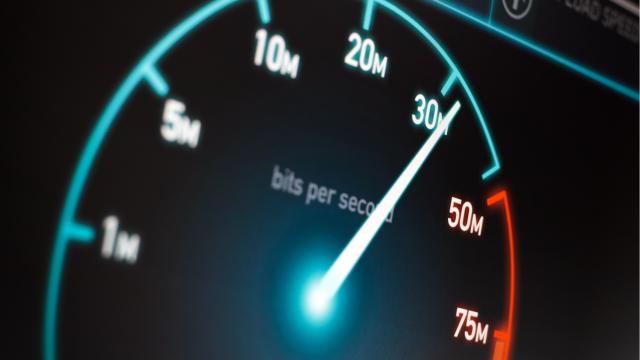
Why Are My Upload Speeds at Home So Terrible?

There’s nothing I love more than troubleshooting an internet connection. It is also my great joy to point out the stupidity of the plans we pay monthly fees to access, and take note of all the bullshit and bureaucracy you have to deal with, no matter which service provider you use.
-
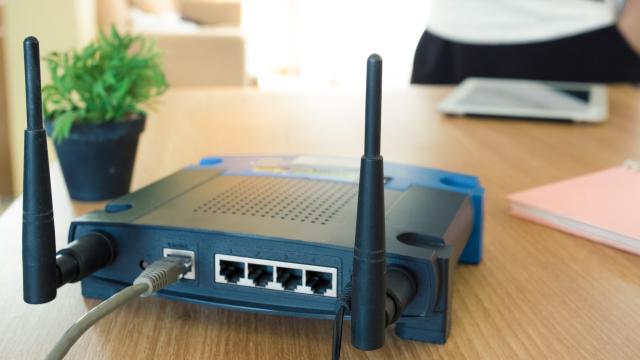
Disable UPnP on Your Wireless Router Already

Forwarding ports on your router so devices can talk to the outside world is a pain in the butt, so it makes sense why a technology like UPnP sounds so convenient. This automatic process assumes that it’s safe to expose your network to the internet when internal programs request access ” which is generally true,…
-
How To Install Windows To Multiple Computers At Once
In this week’s Ask Lifehacker column, a reader wants to automate an otherwise time-consuming and annoying process: installing a fresh copy of Windows (presumably, Windows 10). The catch? They don’t want to install the OS on just one system.
-

Identify All The Devices On Your Network Easily With The Fing App
Android/iOS: What’s on your network? You can always pull up your router’s web interface to get a sense of which devices are connected, but you’re probably just going to get a list of MAC addresses and assigned IPs – not very helpful. The app Fing – Network Scanner is a great, free way to get…