recovery
-
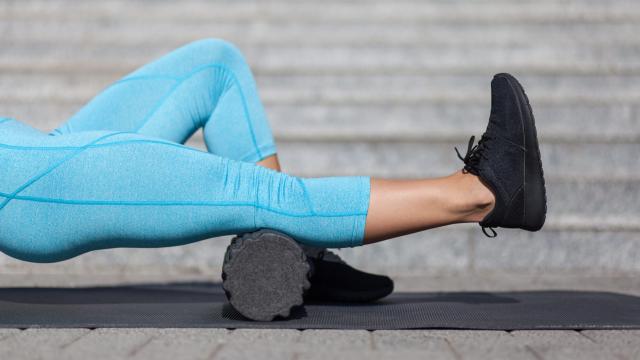
How to Use a Foam Roller Before and After a Workout

Foam rollers aren’t magic, but they can be handy for certain pre- and post-exercise movements. Here are the two main ways to use yours.
-
How To Attend A Recovery Meeting When You’re Social Distancing
Social distancing and closed facilities in many of your cities and towns may make going to a recovery meeting harder to do.

-

Why Non-Alcoholic Beer Is Germany’s Sports Drink
I think I speak for all Americans (except Mike Pence) when I say: What the heck is the point of non-alcoholic beer? But it turns out to be popular in Europe as a sports drink. Which, to be fair, is no weirder than the way a lot of athletes here swear by chocolate milk.
-
BA Computer Woes: A Lesson In Recovery Vs Resiliency

Over the weekend, British Airways IT systems had a meltdown resulting in the cancellation of all services out of Heathrow and Gatwick airports. While this sort of issue would be a major issue on a quiet day, the fact it happened on a long weekend exacerbated the situation. Australian Business Traveller says it could cost…