gmail
-
Gmail Is Adding New Security Measures to Reduce Spam Emails in Your Inbox

Google has announced a range of new security measures for February 2024 that will aim to reduce spam and phishing emails.

-
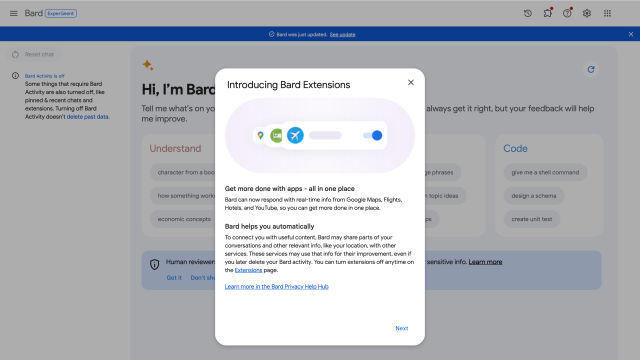
You Can Now Connect Bard to Gmail, Google Docs, YouTube, and More

Bard Extensions allows you to connect Bard to services like Gmail, Drive, Docs, YouTube, and more, so you can access them without ever leaving the AI conversation.
-
The Best Gmail Extensions Everyone Should Be Using
Gmail has matured a lot over the years, so much so that you no longer need a third-party add-on for power-user features, such as scheduling emails. However, there is always room for more bells and whistles, particularly if your inbox serves as too much of a distraction, long email threads annoy you to no end,…

-

Your Old Email Address Is Hurting Your Job Prospects
Email is old. In its earliest incarnation, email dates back to 1965 — a time when computers were the size of elephants and only a small number of nerds had regular access to them — and the kind of email we recognise today dates back to the early 1970s.