ios 5
-
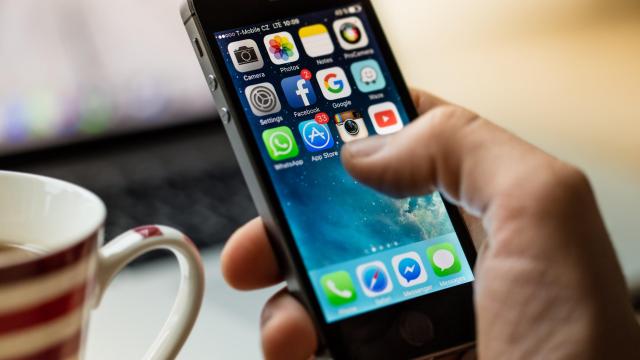
How to Get Software and Security Updates on Your Old iPhone

If you’re still hanging on to a years-old iPhone and resisting the pressure to buy the latest, shiniest version, props to you. You’re probably experiencing slower performance and outdated features, among other things, but Apple is said to support iPhones with iOS upgrades for around seven years — long beyond a 1–2 year upgrade cycle.

-
IOS 5.1.1 Untethered Jailbreak Now Available
Absinthe has just released its new jailbreak too, Absinthe 2.0. The jailbreak works with the new iPad, iPhone 4S and all previous models running iOS 5.1.1.
-
The iPad’s Split Keyboard Has A Few Hidden Buttons That Make Typing Easier
You’ve no doubt seen the split keyboard that iOS 5 brought to the iPad, but it turns out it has a few hidden buttons on the edges. Here’s how they work.
-
The Best Jailbreak Apps For iOS 5
It took a good while before iOS 5 received its first jailbreak, but now that you’ve jailbroken your compatible iDevice you need to know all the great apps and hacks it can handle. Here’s a look at some of our favourites available in Cydia for iOS 5.