taskbar
-
This Is the Fastest Way to Launch Apps on Your Mac

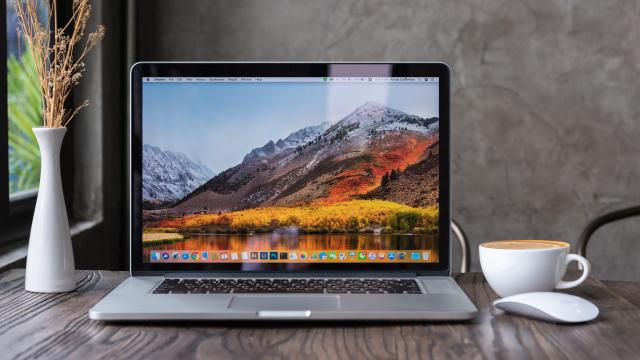
There are plenty of ways to launch apps on your Mac — to start with, you can pin apps to your dock or use Spotlight to search for and open apps. There’s an even faster way to launch apps, though: by using a floating dock.
-
8 Ways to Make Your Mac’s Dock More Useful
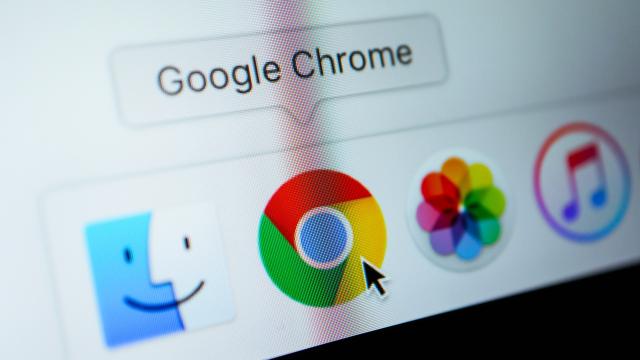
While your Mac’s dock looks sleek and elegant, it isn’t always the best use of screen real estate. By default, it is filled with apps you probably never use and takes up far too much space on your screen by default. Yes, you can edit the programs it displays, but you can actually increase its…
-
7 Frustrating New Features in Windows 11 (and How to Fix Them)
Like many things in life, Windows 11 is a mixed bag. It finally modernizes the Windows operating system: It looks stunning, it’s secure, and it’s fast, and it comes with a couple of neat tricks like the new snap windows assistant and a redesigned taskbar. But in an effort to move forward, Windows has also…

-
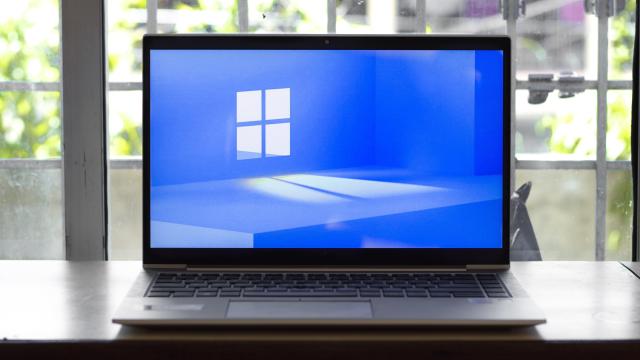
The Easiest Way to Stop Your Windows PC From Going to Sleep
Windows PCs and laptops are designed to automatically go to sleep when you aren’t using them. This is a good thing: It helps save battery life and extends the life of your computer. But sometimes, you don’t want it to go to sleep, maybe because you want to run a background scan overnight, or you…