icloud
-
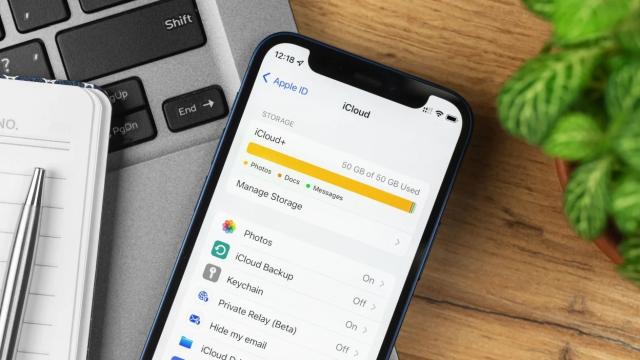
The Best Ways to Free Up Space on Your iCloud Drive

Always running out of iCloud space? Cleaning the junk from your iCloud storage will help.


-
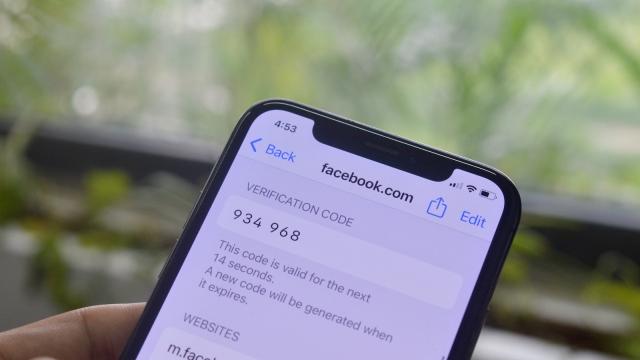
Why You Should Switch From Google Authenticator to iCloud Keychain
Google Authenticator is an excellent solution for generating one-time passcodes for two-factor authentication. But while the app makes a lot of sense to use for many, if you’re locked into the Apple ecosystem, you’re better off using iCloud Keychain. And that’s true now more than ever, as Apple recently made it easy to transfer your…
-
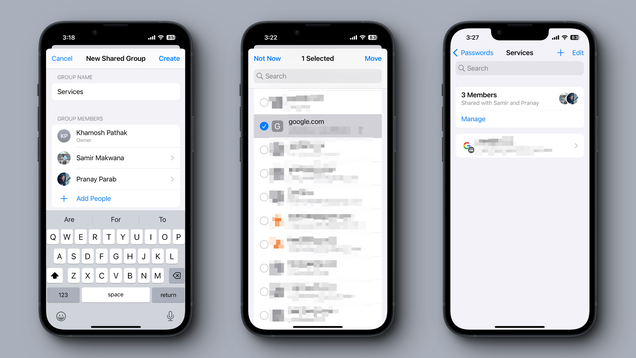
You Can Now Securely Share Apple Passkeys
Sharing passwords securely is not as easy as you think. If you want to do it well, you’ll need a specialized tool like 1Password that encrypts the data during the transfer. Sharing a password over messages or email defeats the purpose of sharing it privately: If it’s out there in plain text form, it can…
-
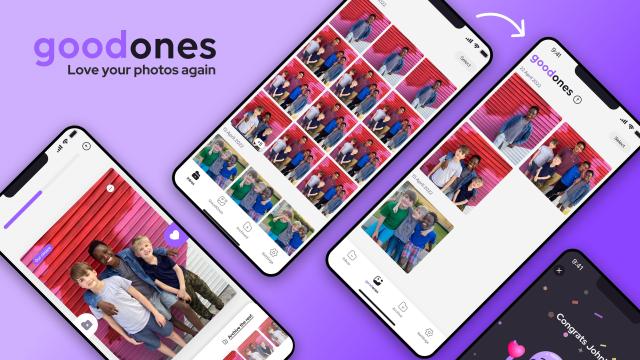
This App Uses AI to Organise Your iPhone Photos
I tend toward minimalism in the physical world, but when it comes to digital detritus, I could be featured on a special episode of Hoarders. I’m particularly bad with photos: I take a ton and delete none. I never get around to axing duplicates and blurry pictures either. My entire photo library basically just sits…