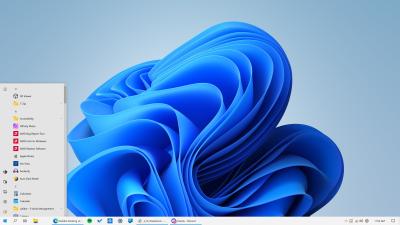
taskbar
-
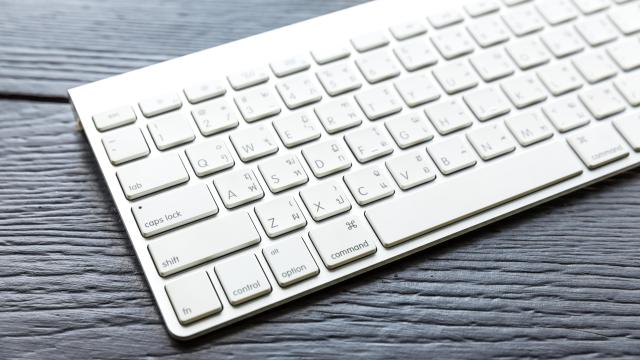
This Key on Your Mac Is Full of Hidden Shortcuts

When it comes to keyboard shortcuts on the Mac, the focus is often on Command, Control, Option, and Shift. However there’s another useful key with excellent keyboard shortcuts mapped to it—Fn, aka, the Function key. This is the button with the globe icon in the bottom-left corner of your Mac’s keyboard. Reddit user u/balanaicker highlighted…
-
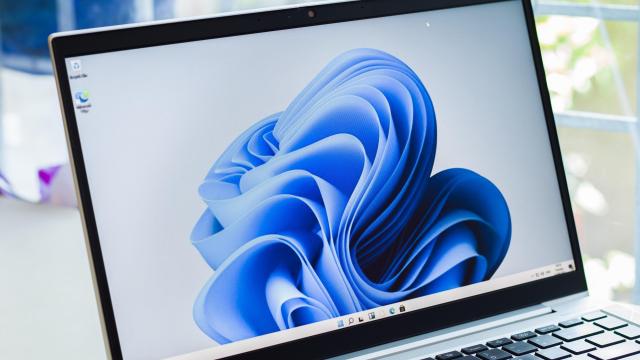
You Can Try the New Windows 11 Volume Mixer Before It Comes Out
You have multiple sources of audio running at any given moment on your PC, but no convenient way to manage them all. Yes, Windows has plenty of advanced audio settings, and the volume mixer is there, but none of it is accessible, which led many people to using third-party solutions. Microsoft doesn’t seem content with…
-
How to Disable Those Annoying ‘Suggestion’ Ads on Your Windows PC
When you buy a new Windows laptop, it keeps offering ads that are disguised as suggestions. But you already spent the money on the machine — you shouldn’t have to suffer through a bunch of ads on your brand new laptop, and you don’t have to. Here’s how to turn them off.
-

Ten Incredibly Useful Menu Bar Apps You Should Install on Your Mac
You know all about how to customise your MacBook’s Dock, but don’t sleep on its Menu Bar, either. Some of your Mac’s best apps sit unassumingly in the Menu Bar and allow you to use all of their best features via a tiny drop-down menu. Not every feature can be used from this spot, but…