skydrive
-
Skydrive To OneDrive: The Pros And Cons Of Microsoft’s Switch
 10
10Well, that didn’t take long. Just three weeks after Microsoft announced it would changing the name of its cloud storage service from SkyDrive to OneDrive, the switch has taken effect. Here are the upsides and downsides of the move.

-
Xbox One Has A Skydrive App, But Sadly That’s No Excuse To Bring It To Work
When Microsoft officially announced the details this morning of the Xbox One’s SkyDrive app, I enjoyed a brief reverie imagining this might constitute an excuse for pretending an Xbox One was an office productivity tool. Unfortunately, the app seems too limited for that.
-
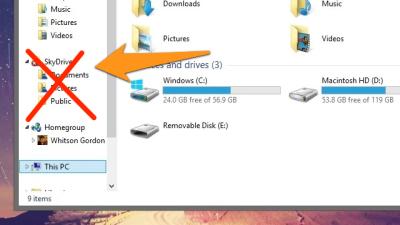
Sync Libraries Between Machines With SkyDrive Or Dropbox

Windows: Using Libraries in Windows to collect folders in one place is handy, but it would be even nicer if you could reach your Libraries from any computer. With a little bit of trickery, you can do that with Microsoft’s SkyDrive service.

-
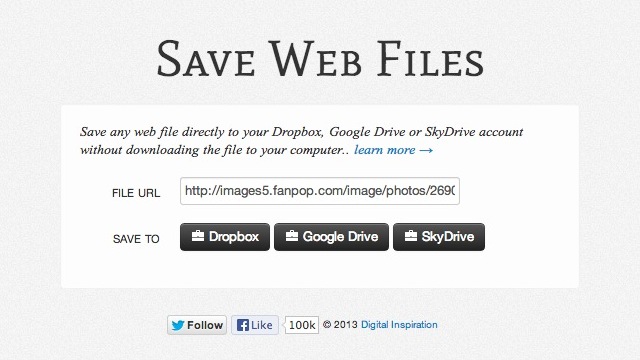
Save Web Files Instantly Saves Online Files To The Cloud

If you want to save a file from the internet to Dropbox, Google Drive or Skydrive, you usually have to download it to your computer before you can upload it into cloud storage. Save Web Files is a simple web app that cuts out that middle step.