search
-
Gmail Searches Are About To Get A Lot Easier

Searching through your Gmail for specific messages is about to get a lot easier—if your organisation uses G Suite, at least. You’re still free to be a keyboard warrior and fill Gmail’s search bar with parameters, like from:[email protected] before:2020/2/20, or use its drop-down menu to get specific with your searches if you don’t remember these…

-
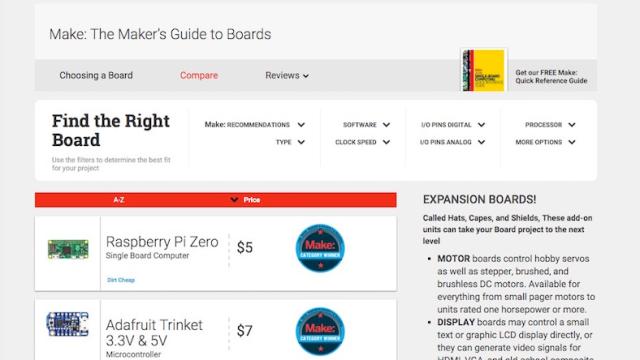
Choose The Right Electronics Board With The Maker’s Guide
When it comes to picking an electronics board for your DIY project, you have a ton of choices. You can use a Raspberry Pi, an Arduino, a BeagleBone or countless others. The Maker has a tried-and-trusted search tool that helps you find what you need.

-
Get Google’s Search Results With More Privacy By Using Startpage
When it comes to web searching, the privacy-conscious among us have probably already heard of DuckDuckGo. This week Fast Company wrote about an alternative to the search engine called Startpage, which if you’re a DuckDuckGo user is worth a look as well.

-
Use Wolfram Alpha To Conceptualise Giant Numbers
Our monkey brains didn’t evolve to understand big numbers without some help. So when you run into an abstract figure, it’s good to have some real-world thing to compare it to. That’s why I a video comparing Jeff Bezos’s money to Beyoncé’s. When you need to visualise a certain number, large or small, search it…