remote access
-
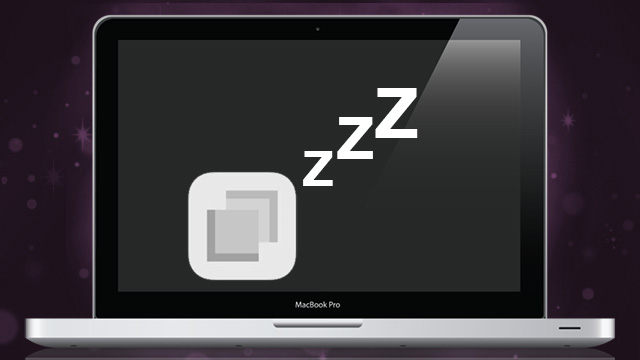
Remotely Put Your Mac To Sleep From Your iPhone Using Drafts

Do you often forget to put your Mac to sleep before getting up and walking away? David Sparks shows off a clever way to remotely put it to sleep using Drafts, Dropbox and Hazel.

-
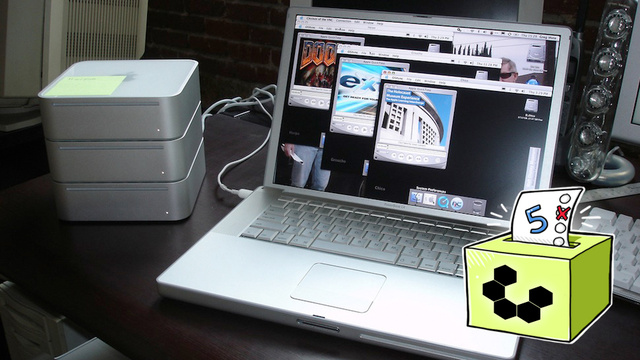
Five Best Remote Desktop Tools
Managing your own computer from afar or troubleshooting a family member’s PC is much easier when you can rely on a good remote desktop utility. This week we’re going to look at five of the best remote desktop and management tools, based on your nominations.
-
When Home Router Security Is Full Of Holes
You spend time securing your workplace networks and keeping devices patched, but does the same thing happen for everyone who works from home? Reports of a new range of vulnerabilities in popular routers is a reminder that maintaining security in a flexible workplace can be difficult.

-
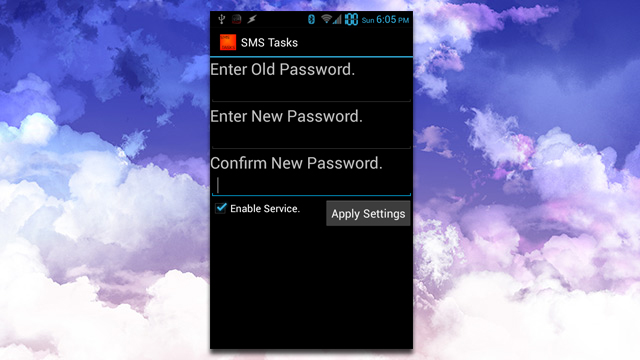
SMSTasks Lets You Send Remote Commands To Your Phone
Android (rooted): There are no shortage of apps that can remotely control your phone. SMSTasks takes a simpler approach, letting you send commands via SMS to your phone.