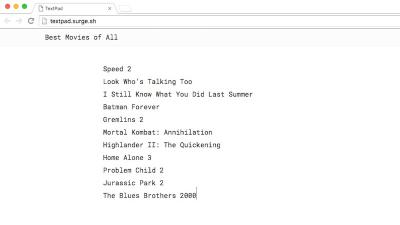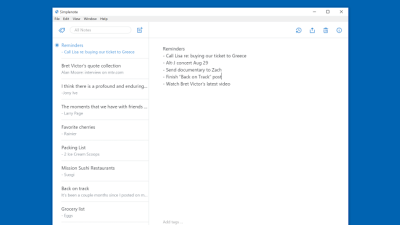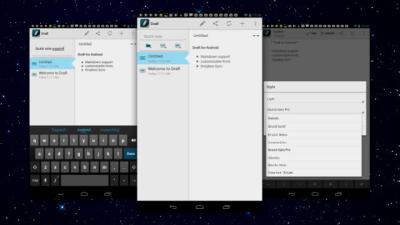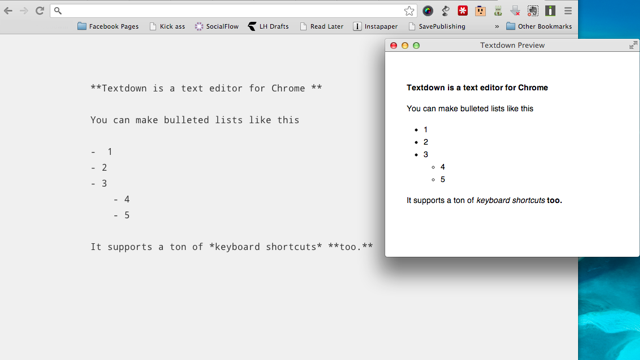
plain text

Work

Flashbake Automates Version Control For (Nerdy) Writers

2:00AM Gina Trapani | Save snapshots of frequently-updated files over time with programmer-strength version control—but without the learning curve. Free software Flashbake captures working files and adds details like the weather and your Twitter status to each version automatically. More »
Work

MyTextFile Web-Based Plain Text Editor

11:00PM Gina Trapani | Plain text file lovers, rejoice: web-based text editor MyTextFile offers plenty of space to store your notes and lists plus a revision history of the file in question. Sign into MyTextFile with your Google account to get your single editor window (which delightfully supports the Tab key inline). Enter and save up to 256KB of text (enough to enter Romeo and Juliet, the site assures) and MyTextFile will keep a history of file revisions for you. You can even switch into a full-screen mode for distraction-free text editing. While it doesn’t offer folders or multiple files like (the ancient and stagnant) Yahoo Notepad, revision history plus the Tab key thing alone is worth checking out MyTextFile. MyTextFile [via Digital Inspiration] More »

Best Text Editors

2:00AM Adam Pash | From managing our to-do lists and writing code to jotting ideas and keeping a grocery list, nothing beats a solid plain text editor. On Wednesday we asked you to nominate your favourite text editor, and over five hundred passionate comments later, we’ve whittled your nominations down to the most popular. Hit the jump for a look at the editors that made the list, and then vote for your favourite to crown the ultimate text editor. More »

Best Text Editor?

9:00AM Adam Pash | You don’t have to be a programmer to appreciate the joys of plain text, and there’s no better way to wrangle your text files than a solid text editor. Plain text files are appealing because they’re searchable, lightweight, portable, and truly platform agnostic; plain text just makes life easier. With an abundance of excellent text editors available beyond your operating system’s default, choosing the best program to manipulate and manage your plain text files isn’t so easy. Luckily we’ve got you, our loyal readers. So for this week’s Hive Five, we want to hear all about your favourite text editor. Hit the jump for details and to nominate your favourite. More »

Find and Replace Text with FART

3:30AM Gina Trapani | Windows only: Get grep-like power at the Windows command line using Find and Replace Text (FART), a simple utility that delivers on its name’s promise. Perform batch find and replace operations over multiple text files throughout directories with FART in the Windows command window. The Hackszine blog outlines one practical FART usage example: stripping out UNIX line endings on a text file. Let’s say a Linux buddy of yours sent you a bunch of HTML files and they have Unix line endings that are barfing in Notepad. One simple command fixes the problem, replacing all the newlines with a full PC carriage return, line feed combo: fart --c-style *.html \n \r\n FART is a free download for Windows only. FART [SourceForge.net via Hackszine] More »

Double Your Productivity with a Serial Workflow

4:00AM Wendy Boswell | While there’s something to be said for multitasking, a serial workflow—completing one task after another in order of priority—can be much more conducive to getting your work done. Splitting your attention between several tasks at once can slow you down compared to knocking off one focused task after another on an ordered list. Today I’m going to show you how to create a serial workflow platform with just a few simple tools that you probably already use: plain text, a couple handy extensions, and browser tabs. More »