Pdfs

Work

The Best PDF Viewer/Editor For Mac

3:30AM September 20, 2011 | Adam Dachis

There are plenty of ways to view and edit PDFs on a Mac, but Apple’s built-in Preview application is phenomenal and often overlooked. While Lion didn’t wow the crowd with most of its features, it brought some amazing additions to Apple’s PDF viewer/editor that puts it over the top and makes it our choice for the best. More »


FixBrought to you by

Use Google Docs To Translate PDFs

11:45AM September 12, 2011 | David Galloway

Need to translate a PDF from one language to another? Technology blog Tech Dows advises uploading the PDF to your Google Docs account, then opening the document and click on Tools then Translate document. Google Docs will make a copy of that document in the new language. More »


Work

Print To PDF Can Create A PDF From Any Printable Content On Your iPhone Or iPad

6:00AM August 23, 2011 | Adam Dachis

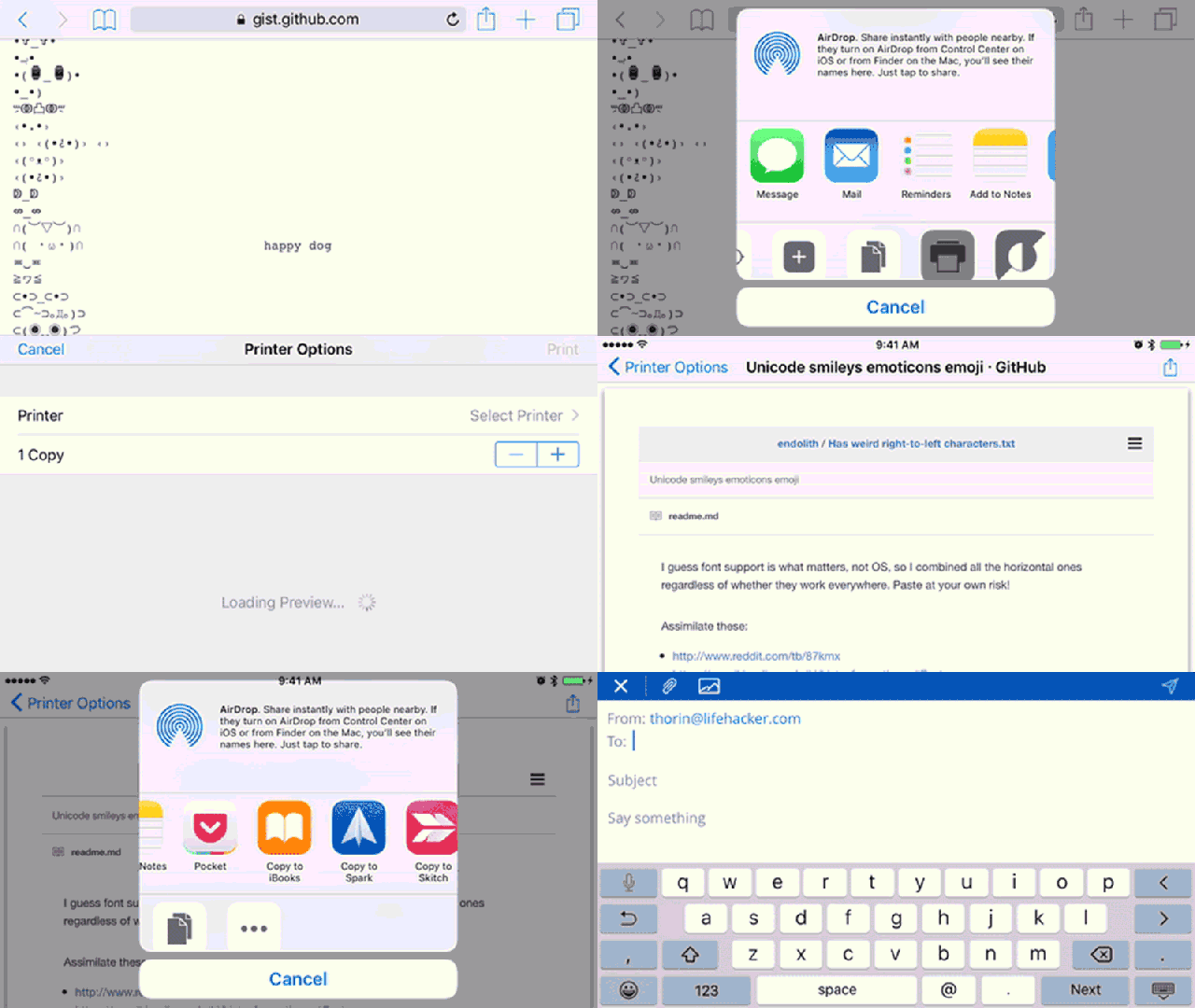
iOS: When Apple added AirPrint, it was a nice feature in theory but didn’t really support many printers and certainly had no support for PDF printing. While there are workarounds, if you want to save content on your iPhone to a PDF file with just a few taps, Print to PDF is the best app for the job. More »


Work

Add PDFs To Your iBooks Collection Using Dropbox

11:00PM June 23, 2010 | Kevin Purdy

With the latest iTunes update, PDF files can be added to your iBooks reading collection through an iTunes sync. As the Simple Help blog points out, though, you can also just drop PDFs into your Dropbox space and add them from there. More »


Work

LoopApps Is A Multipurpose PDF Tool

3:00AM June 20, 2009 | Jason Fitzpatrick

LoopApps is a one stop shop for your PDF manipulation needs. There you can convert, combine and electronically sign documents. More »


Work

PDFVue Edits PDF Text And Images Online

9:15PM March 5, 2009 | Kevin Purdy

Free and fairly full-featured editor PDFVue isn’t the only webapp that can fill out PDF forms online, but it lets anyone add images, sticky notes, links, shapes, and more to forms and documents. You can head to PDFVue and upload your files for editing online, or install a Firefox extension to have the webapp be your automatic PDF handler—not necessarily a speed move, because the webapp has to download and customise anything you were taking a glance at. The editing tools are, however, pretty unique amongst PDFVue’s brethren we’ve sampled before, like PDFMeNot and PDFHammer (what’s with the fear of spacing, PDF app makers?) You get a standard range of colours to create lines, circles, text, and sticky notes with, and can upload images for branding or other purposes. The right-hand Forms tab gives you the ability to create check boxes, bullet lists, and other input data on PDFs that might otherwise seem a text-only affair. It’s doubtful one would make PDFVue your full-time PDF client, but for filling out forms, hacking up a presentation, or otherwise tweaking your read-only docs, it’s not a bad solution.

PDFVue [via Webware]

More »


Work

PDF-to-Word Converter Pulls Readable Text From Scanned Images

5:30AM February 25, 2009 | Kevin Purdy

Free web-based converter PDF-to-Word turns static PDF files into edit-friendly Word documents with surprising, reliable accuracy. It’s in closed beta right now, but Lifehacker readers can get in early. Made by the same folks behind the previously mentioned PDF Download browser add-on for Firefox and Internet Explorer, along with the well-received Nitro PDF Professional, PDF-to-Word converter is a bit more simple. You upload a PDF, choose Word or Rich Text Format, and fork over your email address. The RTF files are, well, as good as straight-up text can be. The Word results, though, are impressively faithful to your PDF originals, with lines, graphics, boxes, and other elements retained and arranged in fluid layouts.

More »


Work

autofillPDF Labels Does The Grunt Work Of Label Printing For You

10:30PM February 16, 2009 | Kevin Purdy

AutofillPDF Labels is a handy web tool for anyone who’s wanted to print their own labels of any kind, but loathes the idea of manually filling out the printing template over and over. Many print-your-own label packets come with links or CDs that get you a pre-formatted Word document to fill out. Unless you’re getting married or sending out other invitations, though, you’ll usually end up putting the same thing on each label, and Ctrl-C/V-ing your precious time away. This handy webapp pops open a scripted PDF file on any system, while letting you change the font, styling, size, and other text properties, and also add images. In short, you create one label, and the PDF fills out the rest of them for you. The templates include CD labels, address or mailing, file folder labels, and even non-sticky business cards. Free to use, no sign-up required, and it works best with Adobe Acrobat (the free reader). autofillPDF Labels [via MakeUseOf.com]

More »


Work

FoxitPDF Preview Handler Loads PDFs In Outlook 2007

6:00AM February 15, 2009 | Jason Fitzpatrick

Windows only: If you’re in need of a light-weight PDF previewer for messages in Outlook 2007, you can now plug FoxitPDF, the speedy and free PDF viewer, directly into it. Tim Heuer, software developer behind the Method of Failed blog, found that loading up Adobe Acrobat to do a quick preview of a PDF in his email was entirely overkill. To speed up his email workflow, he put together a plugin for Outlook 2007 that loads PDF files with FoxitPDF.

More »


Work

Ubuntu Pocket Guide Available As A Free Download

1:00PM January 27, 2009 | Adam Pash

In the midst of the current financial crunch, the popular, free Linux distribution Ubuntu has never looked more attractive. If you’ve considered switching, a free copy of the Ubuntu Pocket Guide is the perfect place to start. Written by Keir Thomas, author of Ubuntu Kung Fu, Ubuntu Pocket Guide and Reference covers all the beginner-to-expert knowledge you’ll need to make the move to Ubuntu.

More »