-
How to Combine Multiple PDFs for Free

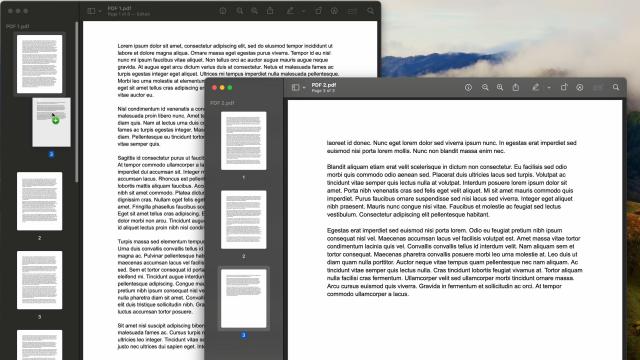
Combining multiple PDFs can be really stressful, mostly because the process isn’t clearly outlined in the programs you’re probably using to view the, and a lot of the third-party apps that offer the feature (like Adobe Acrobat) cost money. But if you want to combine PDFs together without paying anything extra, you can—you’ll just have…

-
This Is the Fastest Way to Merge PDFs on a Mac
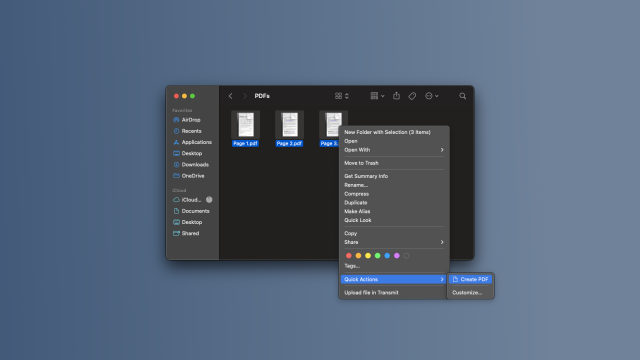
Ever wanted to merge a few different PDF files into a single document? You might have googled third-party apps or found sites to do it online, but your Mac actually has a built-in tool that allows you to merge PDFs instantly. It’s built right into Finder, and it’s been hiding in plain sight for a…


-
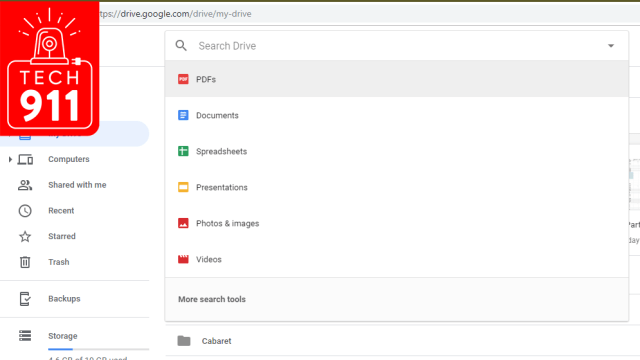
Ask LH: How Can I Search Through PDF Comments?
Confession time. This week’s Ask Lifehacker is a bit of a head-scratcher, because the wide world of PDFs is confusing, at best, and typically more frustrating than anything else. There are a ton of different apps you can find that let you open, edit, and mess around with PDFs. Some of them are free and…

-
Deals: You Can Now Easily Edit PDFs On Macs

It’s no mystery that Macs leave a lot to be desired when it comes to editing PDFs. Fortunately, PDFpenPro 8 is here to give your Mac a boost. This PDF editing software lets you merge, markup, and even OCR PDFs straight from your Mac.