overclocking
-
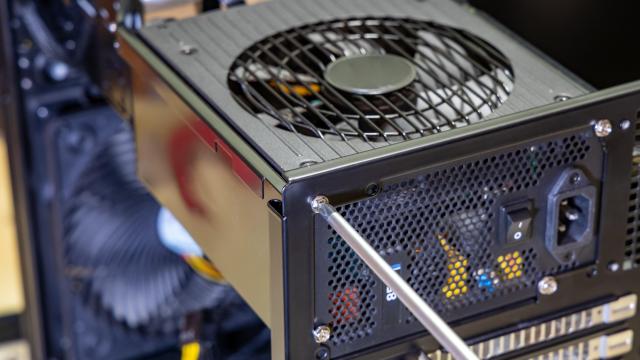
How to Stop Games From Randomly Shutting Down Your PC

There are few things more annoying (or alarming) than your PC randomly shutting off in the middle of a game. If you’ve ruled out other solutions to the problem — like upgrading your GPU’s drivers or motherboard’s BIOS, or fixing improperly installed hardware — the most likely culprit is your PC’s power supply unit (PSU).…
-

Enable Your Laptop’s Performance Mode For Faster Speed
Laptops manufacturers typically try to strike a balance between power, battery life, and heat concerns for a device’s default settings. Since everyone uses their laptops differently, though, your machine’s power settings as-shipped could potentially bottleneck its performance when gaming or editing media.


-

Pick The Perfect Heat Sink For Your PC Build With This Video
If you want to overclock your PC, you’re going to need to care a lot about how much heat your CPU generates. This video from LinusTechTips helps you understand how to pick the right heat sink, and more importantly, how to improve the one you have.

-
A Beginner’s Introduction To Overclocking Your Intel Processor
If you want to squeeze every last ounce of processing power out of your new computer or ageing system, overclocking is a great — if slightly nerve-racking — option. Here are some simple guidelines for safely overclocking your processor.