office 2013
-
Office 2013 Service Pack 1 Adds OneDrive

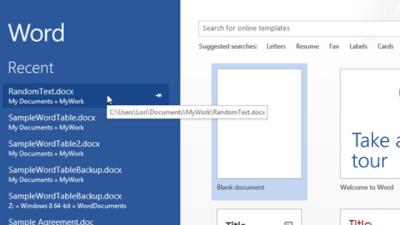
Microsoft has just released Service Pack 1 for its Office 2013 suite. While most of the update covers bug fixes and performance improvements (especially for Windows 8.1 and Windows Server 2012 R2 users), it also incorporates the change of name from SkyDrive for OneDrive for Microsoft’s cloud storage services.

-
Add Dynamic Content To Excel
Excel’s WEBSERVICE function is a nifty way to add data from online sources directly to spreadsheets. The Excel Blog has a useful walkthrough on how to set up a spreadsheet using the feature. [Excel Blog]
-
Why Excel 2013 Always Shows Independent Windows For Each Spreadsheet
Excel’s handling of multiple open windows has long varied depending on the version you’re running, the OS you’re using and the options you have set. Excel 2013 eliminates most of the variability: every spreadsheet in Excel 2013 opens in a separate instance of the program.
-
New Office 2010 Buyers Will Get Free Upgrade To Office 2013
Microsoft hasn’t yet confirmed final pricing for Office 2013, but it seems to be readying for launch. New purchasers of the full version of Office 2010 are now being promised a free upgrade when the updated software ships.