nanowrimo
-

How to Write a Book in 30 Days, With Author Grant Faulkner

This week we’re learning how to crank out that book you’ve been meaning to write in a mere 30 days, with author Grant Faulkner. Grant is the Executive Director of National Novel Writing Month (aka NaNoWriMo) and author of the book, Pep Talks for Writers: 52 Insights and Actions to Boost Your Creative Mojo. Listen…
-

How To Rock NaNoWriMo This Month
Are you embarking on a one-month quest to write the first draft of that novel you’ve been dreaming of? Or perhaps you just want to feed off the energy of the 400,000 people who are. Here are our top tips for aspiring novelists.


-
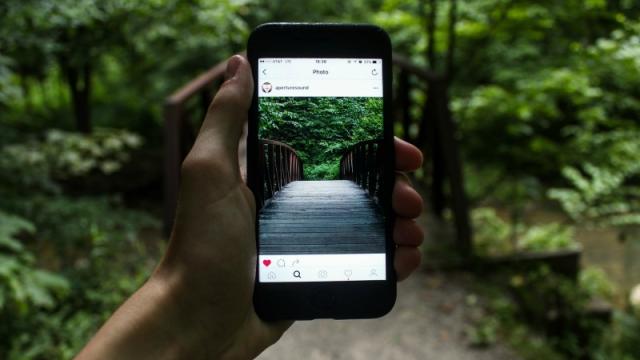
InstaWrimo Is NaNoWriMo Using Photos Rather Than Words

Every November, NaNoWriMo challenges writers and would-be writers to knock out a novel over the course of the month. It’s a challenge I’ve tried at least half a dozen times and completed once. Despite my limited success rate, I always try again the next year, because frankly, it’s a pretty fun exercise, even if I…


-
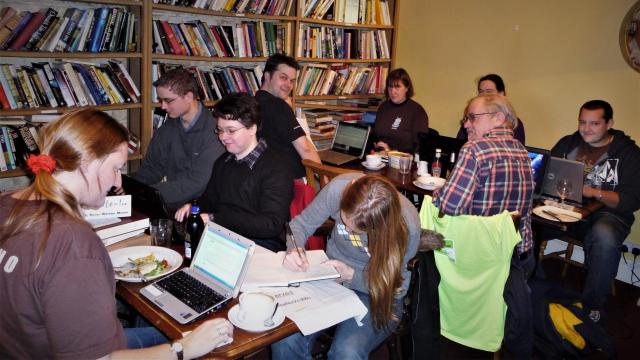
How To Host A Write-In For NaNoWriMo
National Novel Writing Month is all about putting your head down and cranking out as many words as you can, but it can still be fun to make it a social experience, too. A write-in is just what you need to keep you and your fellow scribblers motivated. Here’s how to set one up.