microsoft
-
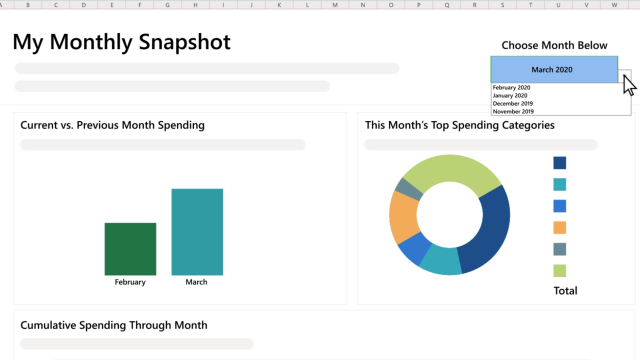
Track Your Spending with Microsoft’s New ‘Money’ Template for Excel
 1
1This story is from our US partners. You’ll need to be a Microsoft 365 Personal or Family subscriber in the US if you want to use Money in Excel. If you’re tired of using third-party services to track your spending — either because they aren’t as useful as you thought they would be or you’re…


-
Consider Buying Microsoft Office Before It Becomes A Subscription Service
The good news: You can still buy a standalone version of Microsoft Office (for now) instead of paying Microsoft regular money for a subscription. The bad news, however, is that you can no longer get a super-cheap, one-off copy of Office via Microsoft’s Home Use Program.


-
Level-Up Your Microsoft Office Skills With These Training Roadmaps

Learning how to use Microsoft Office apps like Word, Excel, Outlook and PowerPoint are essential for nearly every office. If you want to get more acquainted with the Office productivity suite but don’t know where to start or if you want to check how knowledgeable you are in those apps, you can refer to these…
-
![Eight Microsoft Word Shortcuts You May Not Know [Infographic]](https://www.lifehacker.com.au/wp-content/uploads/2016/10/10/kgbrxmuwczw3qfov2xfs-scaled.jpg?quality=75&w=432&h=360&crop=1)
Eight Microsoft Word Shortcuts You May Not Know [Infographic]
If you use Microsoft Word for work, or on any regular basis, you know how much time a couple of quick shortcuts can save you, especially if you use them every day. This graphic runs down eight tips for Word that may be familiar to daily drivers, but still useful for students, office workers, and…