memory
-

Use ‘Dual Coding’ to Study Twice As Effectively

When you learn and use a studying method, you’re making it easier for your brain to synthesize new information. Great! Now think of how much more you could learn and retain if you could double up on the methods you’re using. You can do that. It’s called “dual coding” and it’s a popular teaching and…


-

How to Hide Someone in Your Google Photos ‘Memories’
Google Photos is a fabulous app that makes all your media available across your devices and acts as a solid backup in case, heaven forbid, your tech gets destroyed. It’s invaluable in so many ways, but it’s still prone to causing some pain: It loves to send you push notifications about what you were doing…

-

The Best Ways to Use ‘Association’ to Remember What You Study
Of all the study tips out there, from those that enhance reading comprehension to those that improve retention, the one I use the most is association: Making up little personal memory devices helps me with everything from test-taking to completing daily work tasks. Here are some of the easiest ways to use association when you’re…


-

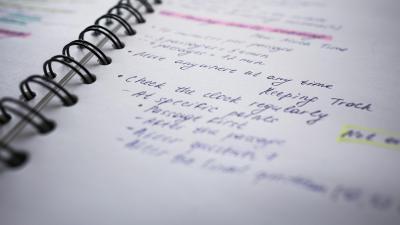
You Should Colour Code Your Notes to Remember Them Better
To take the best notes in class, you need a system. There are a lot of great note-taking techniques that can help you identify the key elements of any lesson and organize them in a way that will help you study—but one of the best ways to actually learn and retain what the notes say…