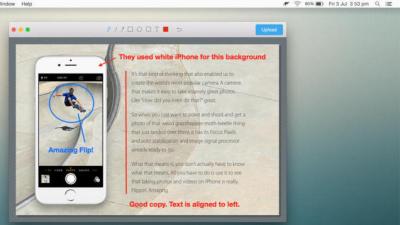
The Mac is a lucky platform because it has so many great ways to quickly upload files with a simple drag and drop or stroke of the keyboard. Among all the options, Dockdrop is our favourite thanks to its simplicity and versatility.
You share music, rip DVDs, make Hitler whine about your first world problems and much more in the course of your regular online activities — and more often than not, you do these things without giving a thought to the fact that you’re actually breaking the law. Here’s a look at how you’re inevitably circumventing copyright law, and what you can do to protect yourself.
Dropbox Automator, a powerful web app that processes files of many types as soon as you place them in Dropbox, got a major update recently with speed improvements, better security and connections to more services. You can now have automated actions for Picasa and Google+, Kindle and Box.net.
iOS (Jailbroken): If you’ve ever wanted to send files across Bluetooth devices, AirBlue Sharing is a simple file-sharing utility for jailbroken iPhones that allows you to transfer files between Bluetooth-capable devices.
Whether you were sad to see MegaUpload bite the dust, aren’t keen on the alternatives, or just want to use your own domain name and hosting service to share your files, you’re in luck! Here’s a simple way to set up your own killer drag-and-drop file sharing service with existing software and some code of our own.
The FBI has shut down file-sharing web site MegaUpload, arrested its executives, and called the site an “international organised criminal enterprise.” Even though there’s little doubt that MegaUpload was host to some copyrighted material, it was also a great way to upload and share large files, like photo archives and video, and send them to friends without worrying about hosting, Dropbox quotas or overloaded inboxes. Now that it’s gone, here are some other great sites that let you share large files effortlessly.
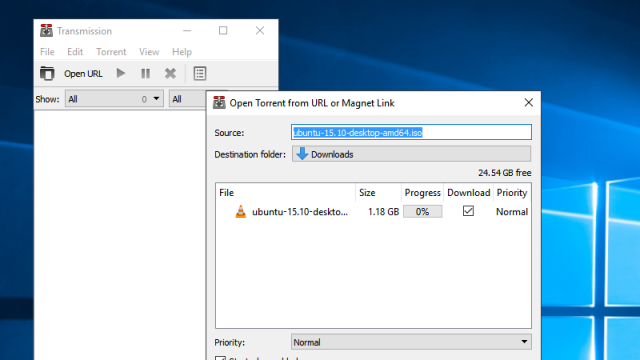
Soon, popular torrent site The Pirate Bay will no longer host torrent files. Instead, it will only offer magnet links. Magnet what now? You may have seen the term “magnet link” before, but if you haven’t used one, here’s the lowdown on what this change means for you as a BitTorrent user.
Sometimes you come across a file you want to download but all you’ve got is your smartphone. Perhaps it’s a standard file, perhaps it’s a torrent. Whatever the case may be, you can use your mobile to tell your home computer to do the work for you. Here’s how.
Mac OS X: Sharing a file with Dropbox isn’t hard, but it can be a little tedious to open the public folder, drag the file in, and then right-click to copy the link. Bloodrop automates this process. All you have to do is drag a file onto its icon — whether you keep it in the dock or elsewhere — and it’ll put a public share link in the clipboard.
uTorrent released a premium version of their BitTorrent client today, with some cool features like automatic virus scanning, video conversion for multiple devices and the ability to download torrents remotely. It does, however, come with a somewhat hefty $US25 price tag. Here’s how you can get and automate the best features of uTorrent Plus for free.