file management
-
Free Up Phone Space With WhatsApp’s Updated Storage Manager

If your WhatsApp conversations are anything like my Facebook ones, they’re probably stuffed with piles of GIFs, pictures, and videos. This normally isn’t a big deal, because all this content gets stored on a server somewhere — out of sight, out of mind.

-
One Of The Best Android File Managers Now Works On Android TV And Chrome OS
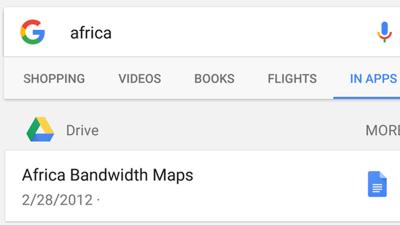
Android: For years, Solid Explorer has made it easy to keep all your files organised on any Android device. Now, the handy app is expanding to even more platforms thanks to new support for Android TV and Chrome OS.
-
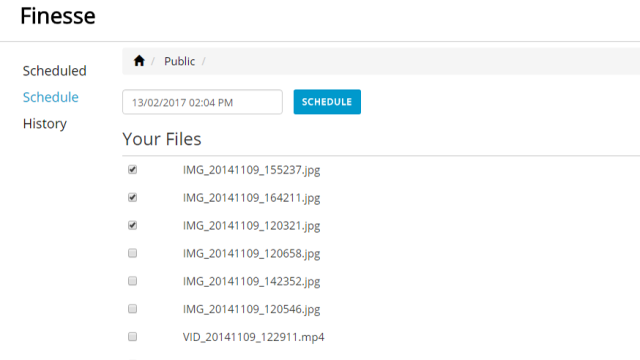
Finesse Lets You Schedule Your Dropbox Files For Deletion
Web: Your Dropbox storage is limited, so you don’t want to waste it on files that you won’t need in the future. Finesse lets you schedule certain files in Dropbox to be deleted when you’re done with them.
-
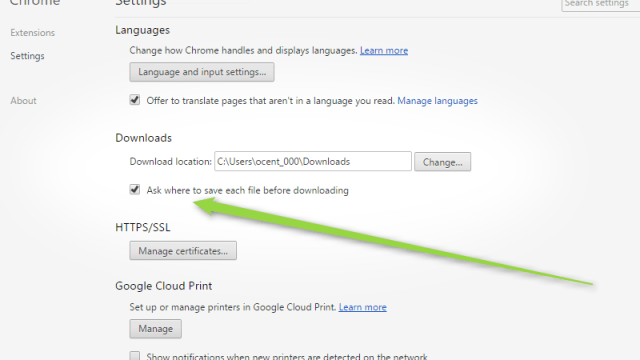
Make Chrome Ask Where To Save Downloaded Files By Changing This Setting
Chrome: By default, Chrome will automatically place every file you download into your Downloads folder. If you’d rather choose where to put files, hit this toggle in Chrome’s settings.