customization
-
How To Customise Your Android Device With Magisk And Xposed Framework

In the Android vs iOS debate, Android often gets major points for its openness and flexibility. There’s plenty the Android platform lets users do that iOS doesn’t, and even the most basic, out-of-the-box Android devices can be tweaked and customised to your liking. Enthusiasts want more than just tweaking system settings, however, and that’s where…
-
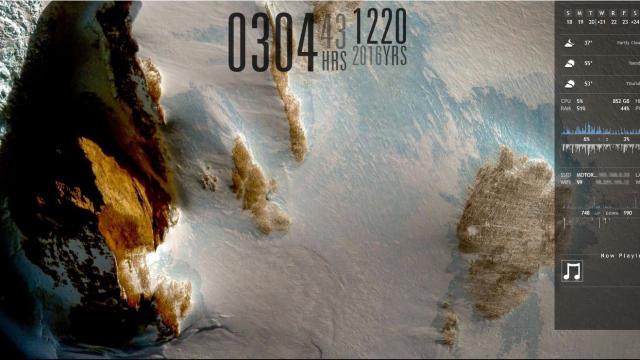
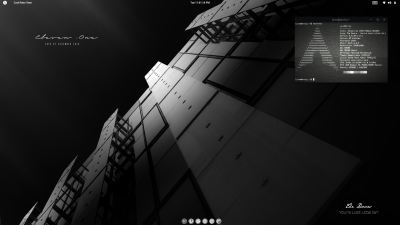
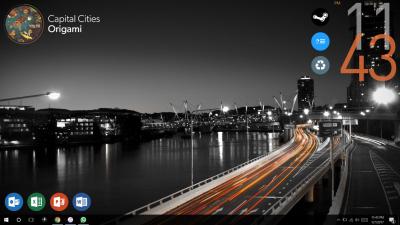
The Antarctic Landscape Desktop

Reader Saifali has submitted desktops in the past to our Desktop Showcase, but this one’s a fresh look, and we like it. If you dig it too — or just the Antarctic landscape in it — here’s how you can bring the same look to your computer.

-
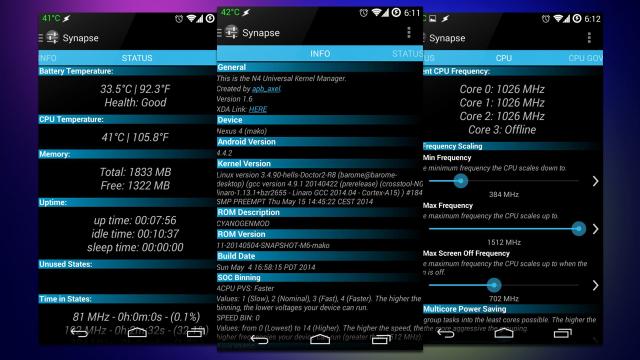
Universal Kernel Manager Tweaks Your Android System With Relative Ease
Android: The kernel in your operating system handles a lot of low-level tasks like managing your CPU speed. Most users will never want to touch this, but if you’re a tweaker with a desire to overclock your phone, Universal Kernel Manager can be a huge help.
-
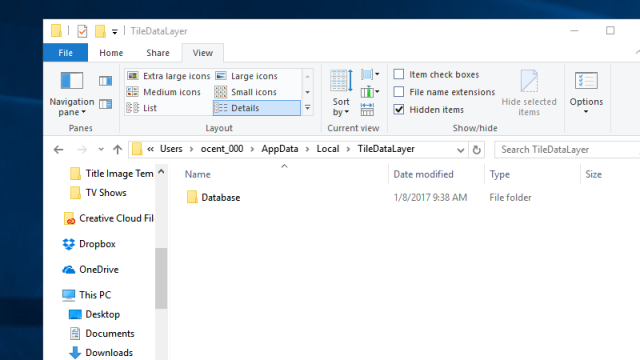
Make A Backup Of Your Start Menu Layout By Copying This Folder
Windows: If you spent a lot of time tweaking your Start Menu to your liking, you’ll want to make sure you don’t lose it. Fortunately, you can backup your layout by making a copy of a hidden folder.