customisation
-
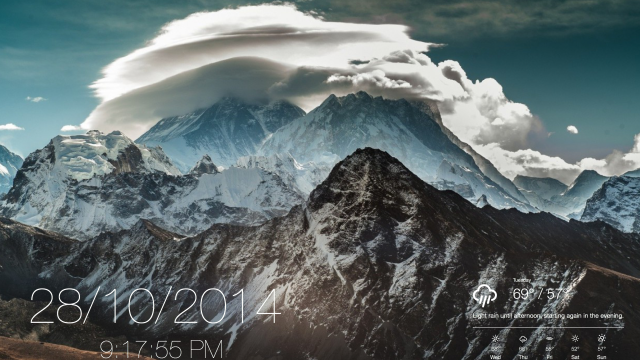
The Nepali Desktop

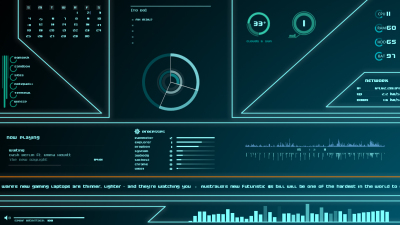
Mac: Reader Brisngr loves the natural beauty of Nepal, and combined it with OS X Yosemite and a few Übersicht widgets to make a good-looking, functional desktop that’s inspiring and informative. Here’s how you can set it up yourself.

-
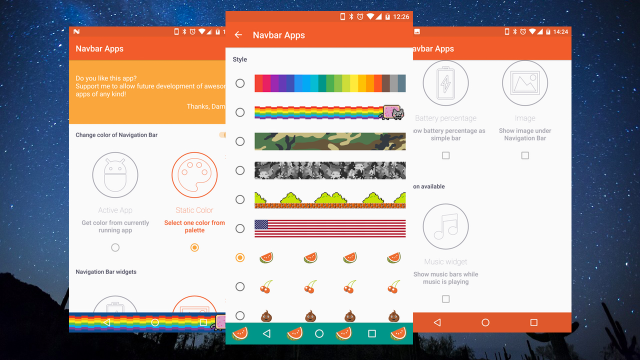
Navbar Apps Customises The Android Navigation Bar, No Root Required
Android: Android’s open nature is brilliant, but some things can’t be tweaked without rooting or installing Xposed. One of those elements was the navigation bar of Home, Back and Recents button, but Navbar Apps just changed that.
-
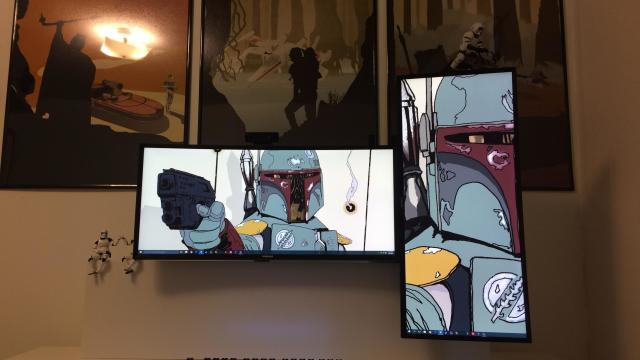
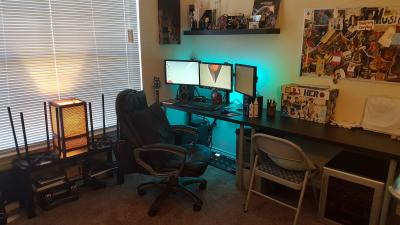
The Double Ultrawide Workspace
Two ultrawide monitors may seem like a lot to adorn one desk, but when one of them is in portrait mode for easy reading and less scrolling, and the whole thing is held aloft with a monitor arm for a nice, clean desk and good cable management, well, we couldn’t resist. Here are some more…
-
Top 10 Places To Get Stunning Desktop Wallpapers
2Whether you love switching out beautiful desktop wallpaper or you just want something minimal that you’re going to open windows over anyway, there’s no shortage of great places to find something to dress up your desktop. Let’s look at some of the best.