bookmarks
-

Stash Is A Bookmarking Tool With Automatic Organisation And Reminders

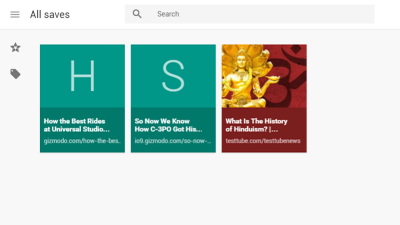
Web/Android/iOS: Bookmarking services like Pocket and Instapaper are great, but one place they fail a bit is organisation. Stash is a service that solves that by automatically organising your saved sites for you.

-

Tab Organiser Groups Your Open Chrome Tabs By URL
Chrome: If you keep lots of tabs open in your browser window, it can be a minor pain to find one when you need it. Tab Organiser is a Chrome extension that helps you maintain them a little better.


-
Google Reverts To Old Chrome Bookmark Manager
 1
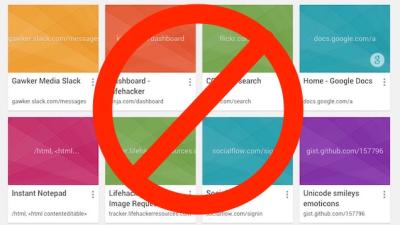
1Google has backflipped on its revised bookmark manager for Chrome, reinstating the classic version instead.

-
Five Sites Every Small Business Should Bookmark

Looking for small business advice and tips that are relevant to Australians? Make sure these five sites are on your list.